Hi, I’m new here.
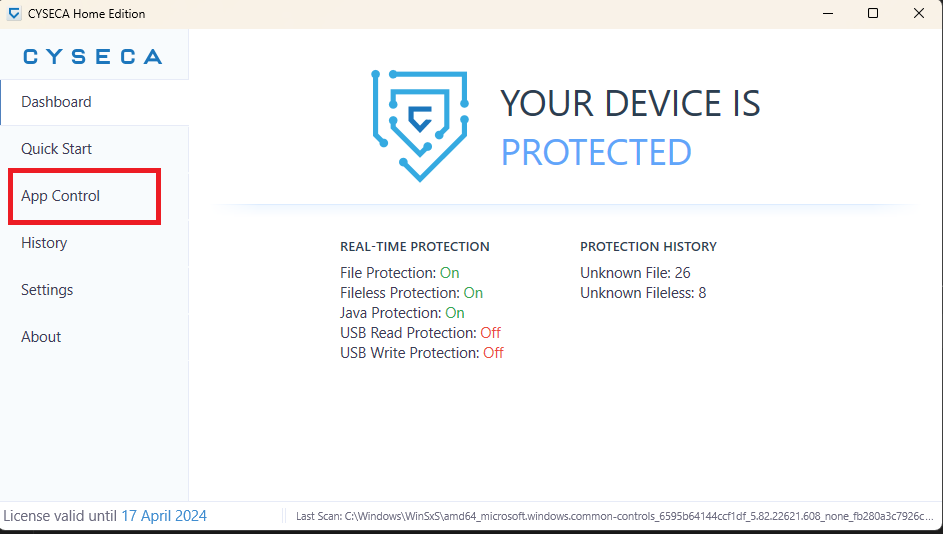
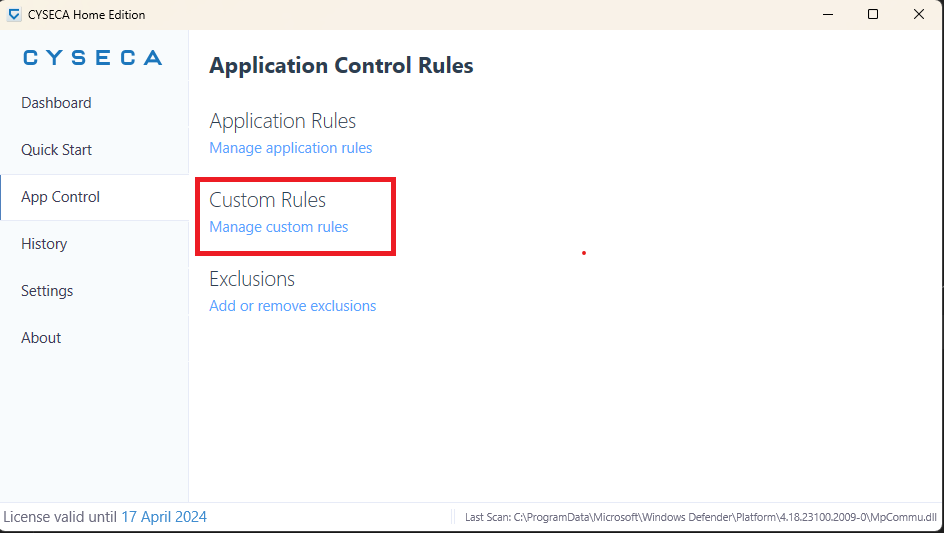
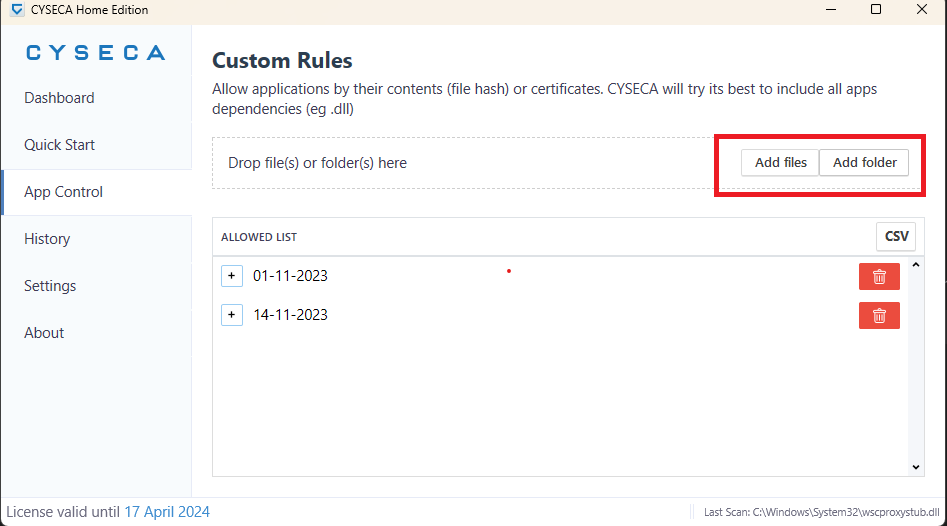
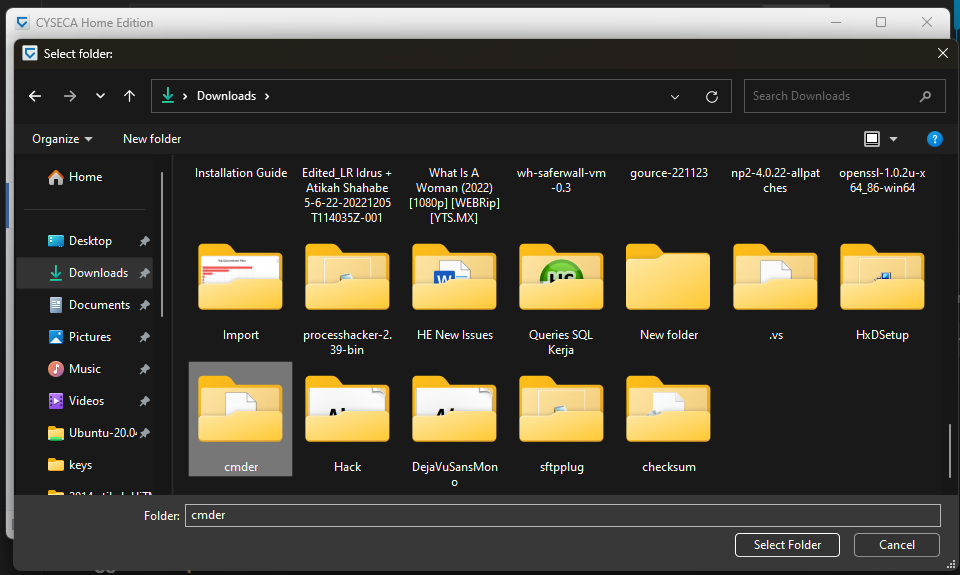
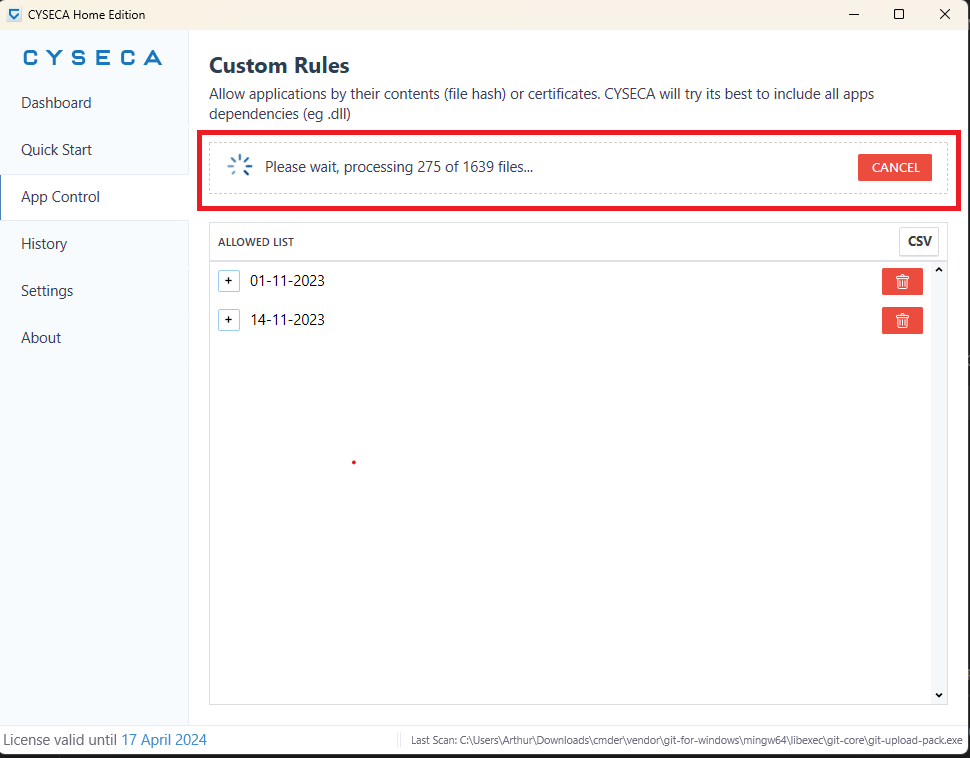
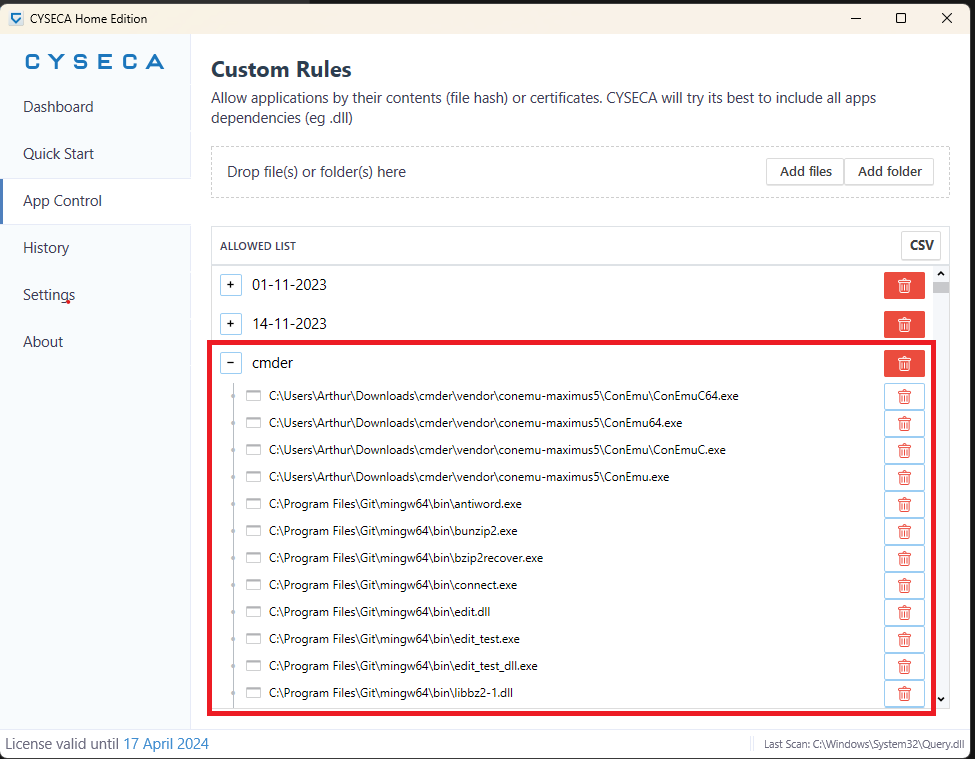
I have started using Cyseca Home Edtion, but I’m not sure how to allow Cyseca to allow an unlisted application to run? For example game application.
Any help is quite appreciated.
Thank you.
Hi, I’m new here.
I have started using Cyseca Home Edtion, but I’m not sure how to allow Cyseca to allow an unlisted application to run? For example game application.
Any help is quite appreciated.
Thank you.